Using Your Watch List
Keep track of packages you're interested in without bidding, and find them on the My Cart screen.

Updated
by Jon Doehling
Your watch list keeps track of packages you're interested in, without placing a bid.
Adding a package to your watch list
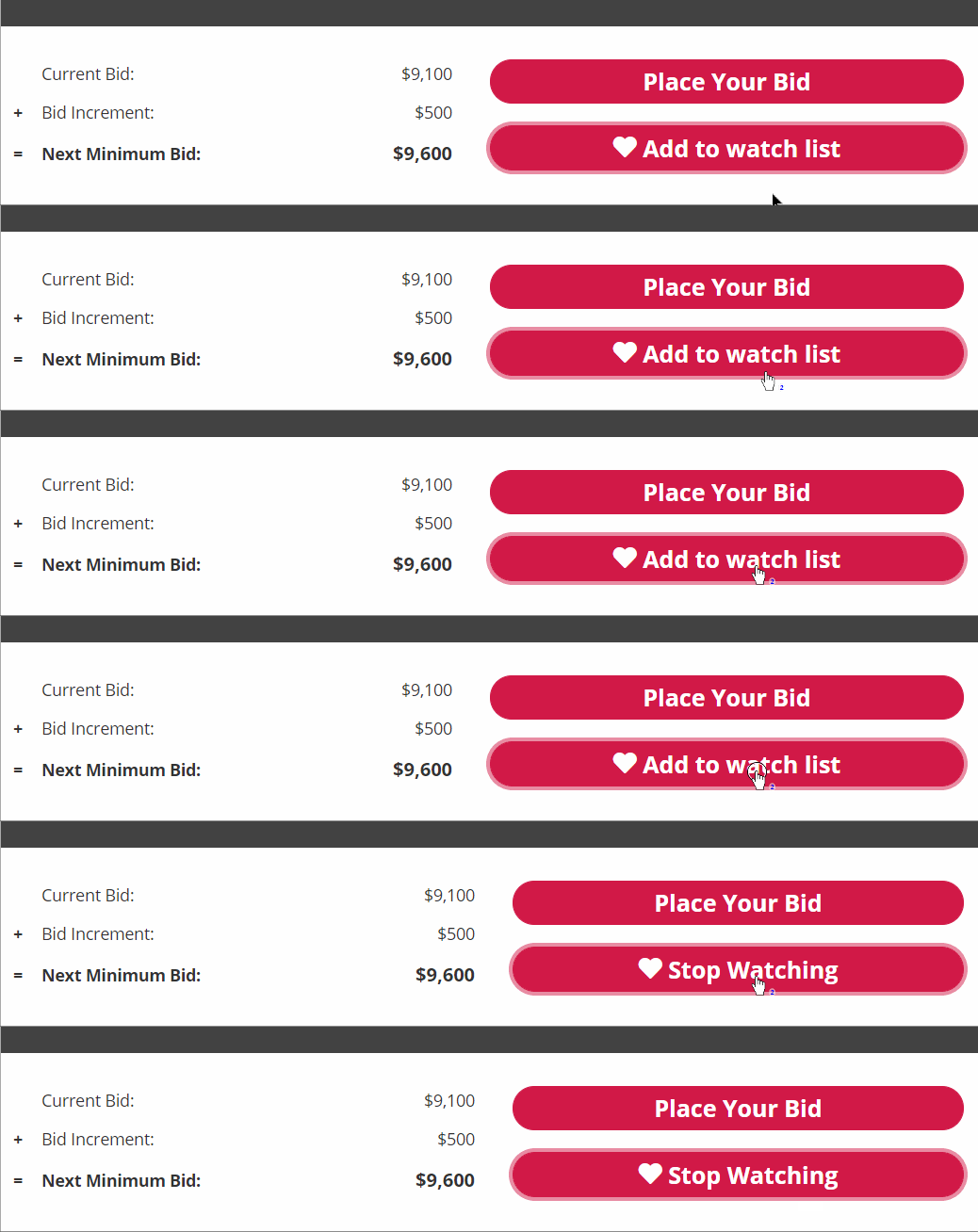
On a package page in the mobile bidding app, tap the watch list button.
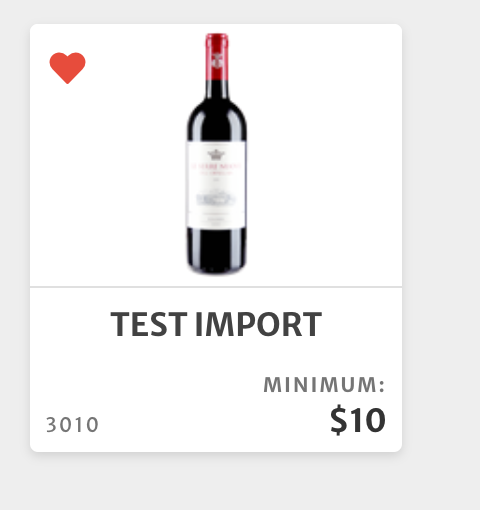
You can also select a package from the tile view and tap the heart icon.
Finding your watch list
Packages on your watch list show on the My Cart screen, where you can also remove them from your watch list.

How did we do?
Outbid Alerts
What is a Max Bid?
