Live Auction Bidding in the App
Let guests bid on live auction packages from the mobile bidding app, for virtual and hybrid events.

Updated
by Jon Doehling
For virtual and hybrid events, you can let guests bid on live auction packages from the mobile bidding app, not just by paddle in the room. Live auction bidding in the app is turned on or off for the whole event.
Turning it on
In Auction Conductor, go to Setup > App Settings > Mobile Bidding/Giving App and turn off Live Auction Preview. Preview shows live auction packages in the app without letting guests bid, so turning it off is what makes them biddable.

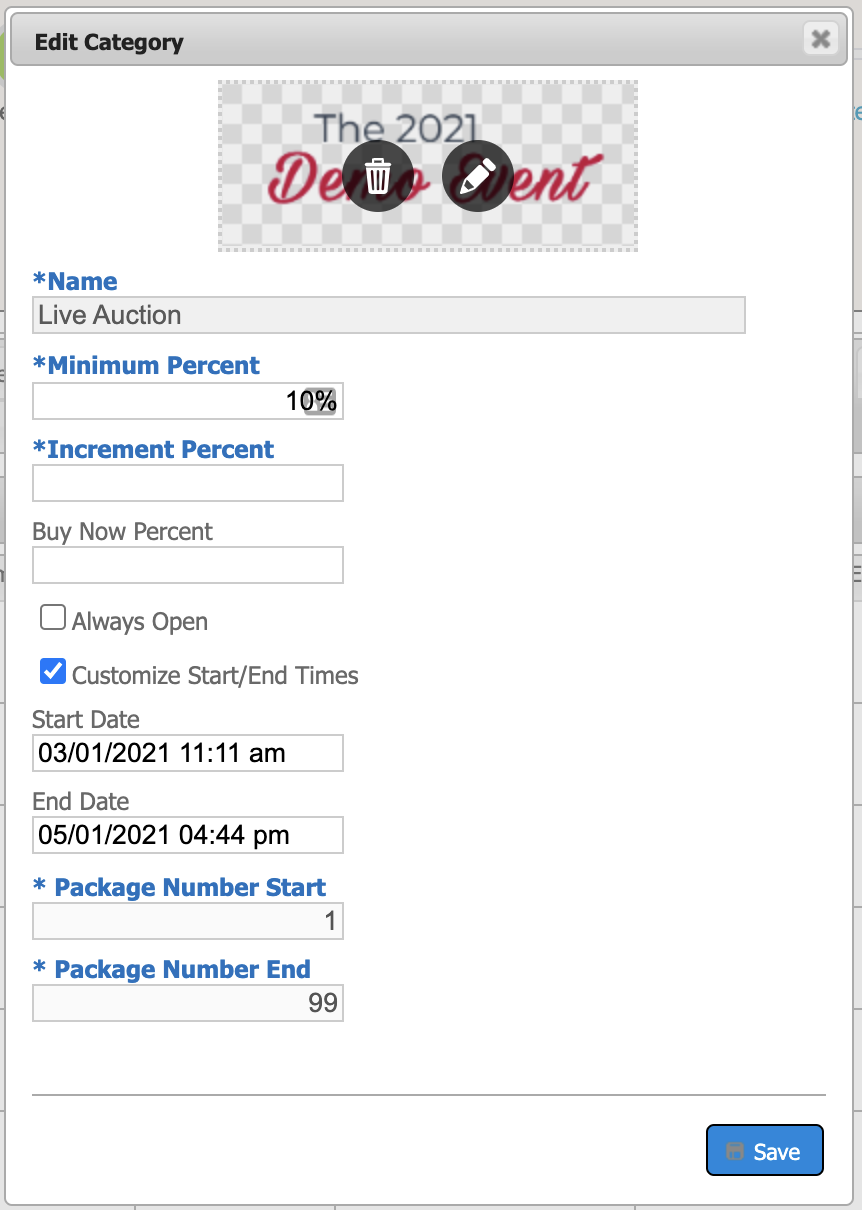
Go to Setup > Categories and set the open and close times and the category image for the Live Auction category.
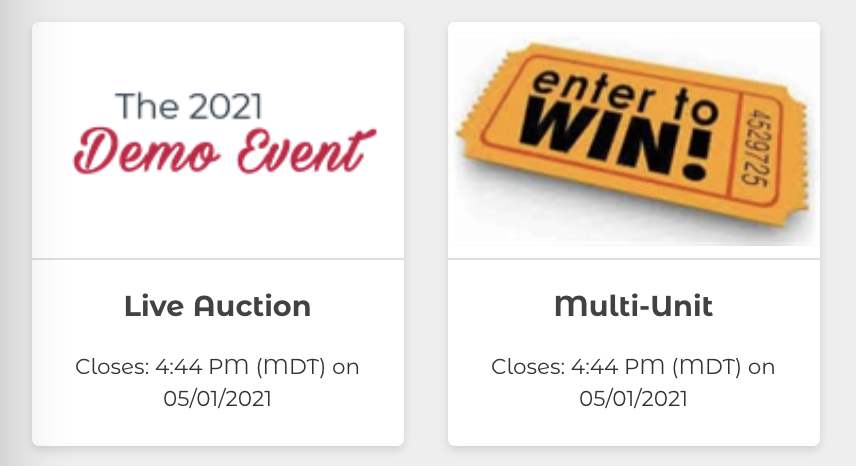
Guests will now see the live auction category alongside your other categories in the mobile bidding app.
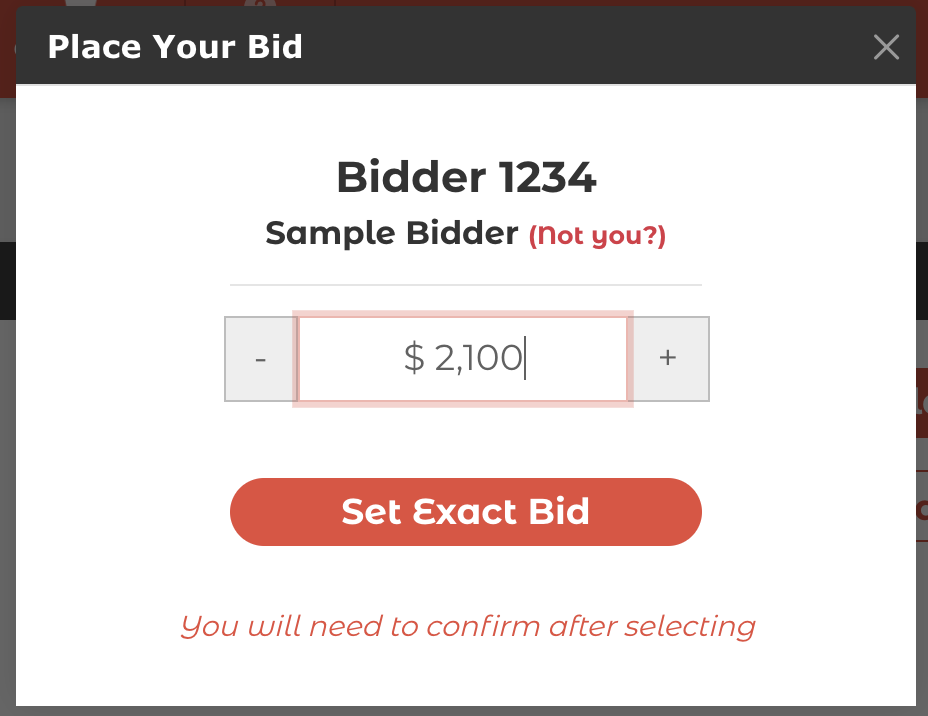
Live auction packages only accept exact bids. Max bids aren't available for live auction packages.
How did we do?
Choosing Exact or Max Bidding
Setting Up the Digital Program
