Choosing Exact or Max Bidding
Let guests place exact bids, max bids or both in the silent auction, and how each one works.

You can choose how guests place silent auction bids in the mobile bidding app: exact bids, max bids, or both. AES recommends offering both for most auctions.
How each bid type works
Exact bids are placed once, at exactly the amount the bidder enters. They let a bidder jump straight to a higher amount, like skipping lines on a paper bid sheet.
Max bids start at the lowest amount possible. The system then bids for the bidder automatically whenever someone else bids, up to the spending limit they entered. Only the bidder can see their own limit. For more detail, see What is a Max Bid?
Choosing the bidding method
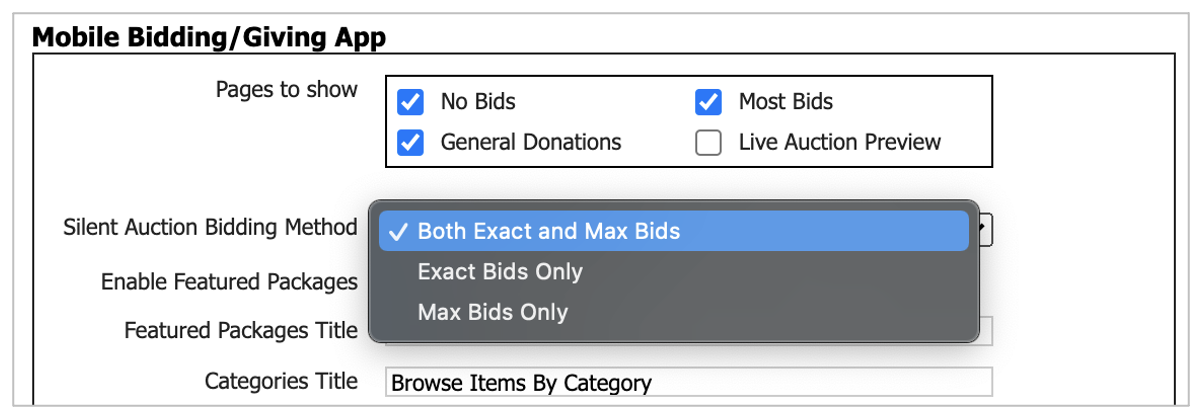
In Auction Conductor, go to Setup > App Settings > Mobile Bidding/Giving App and set Silent Auction Bidding Method to exact bids, max bids or both.
What bidders see
In this example, both bid types are allowed. The current bid is $3,500 and the bid increment is $100.
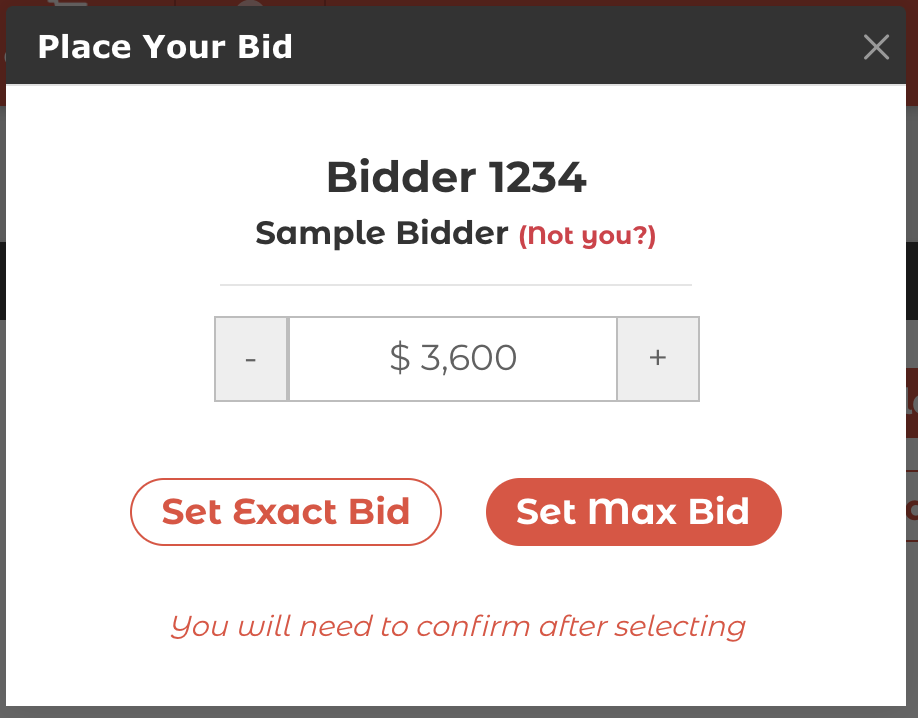
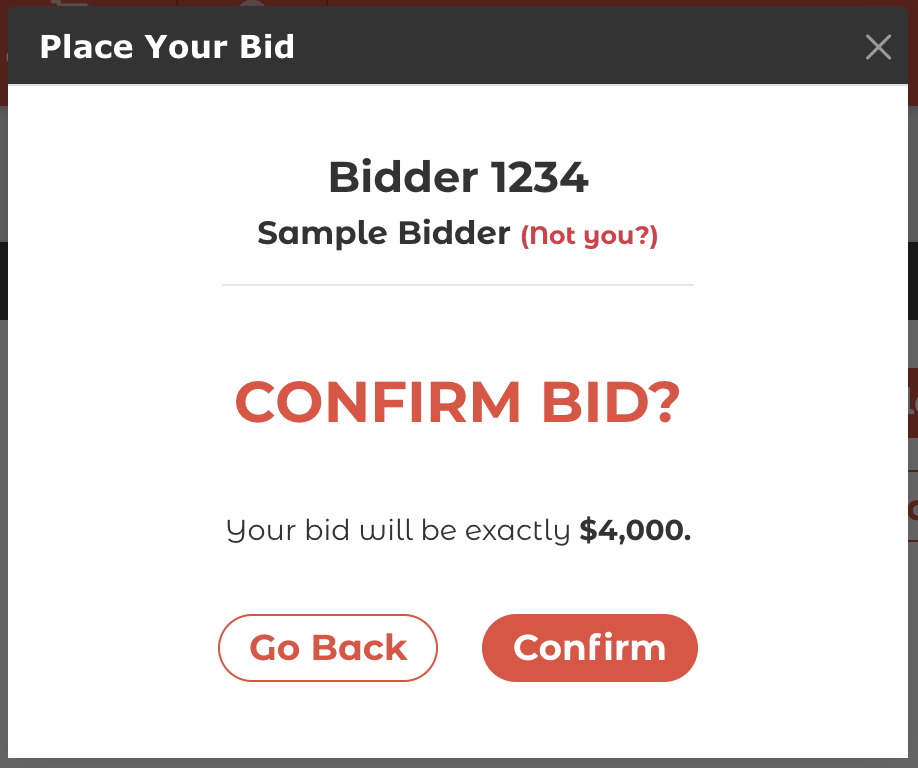
If the bidder enters $4,000 and taps Set Exact Bid, they confirm a single bid of exactly $4,000.
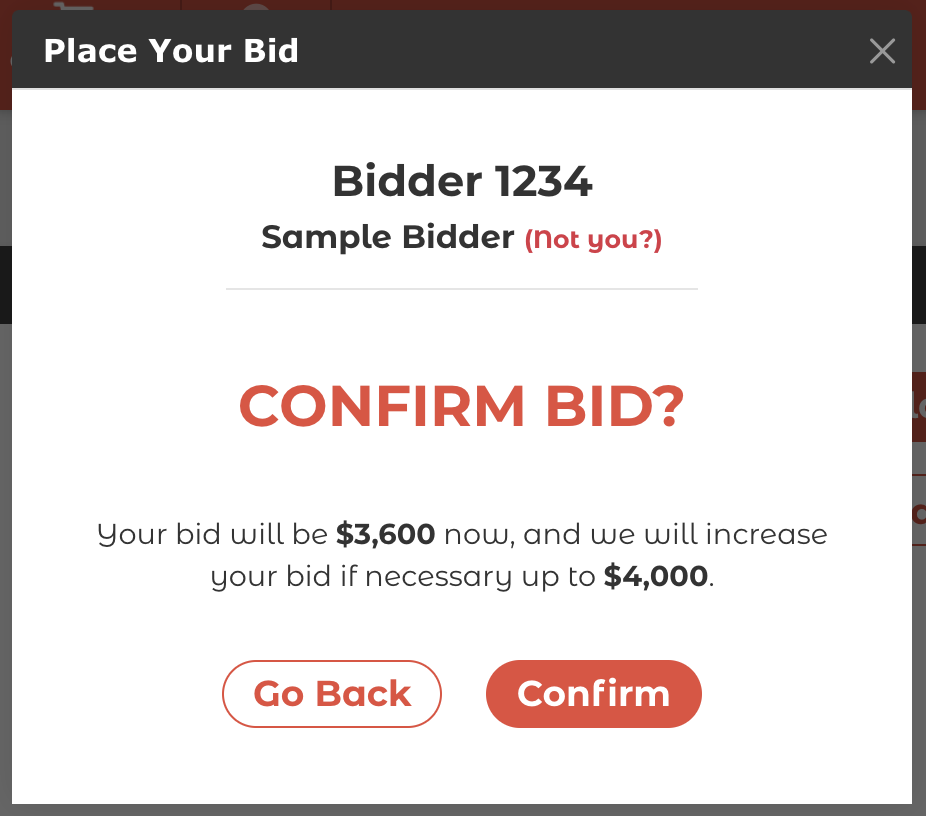
If the bidder enters $4,000 and taps Set Max Bid instead, their first bid is the lowest amount possible, $3,600. The system then keeps bidding for them as needed, up to $4,000.
Changing a max bid
Once a bidder has a max bid in place, they can raise or lower their limit, or switch it to an exact bid. Switching to an exact bid cancels the limit. Bidders need to be logged in to see these options.

How did we do?
Bidder Lookup Mode
Live Auction Bidding in the App
