Custom Fields - Buyer Answers on Behalf of Attendee
New custom field option lets ticket buyers complete attendee information during assignment. Buyers control data entry; attendees view but can't modify. Assignments lock after acceptance.

A new custom field option allows ticket buyers to complete custom fields for their attendees during ticket assignment. This feature is ideal when you want the buyer (host) to control data entry rather than having each attendee fill out their own information.
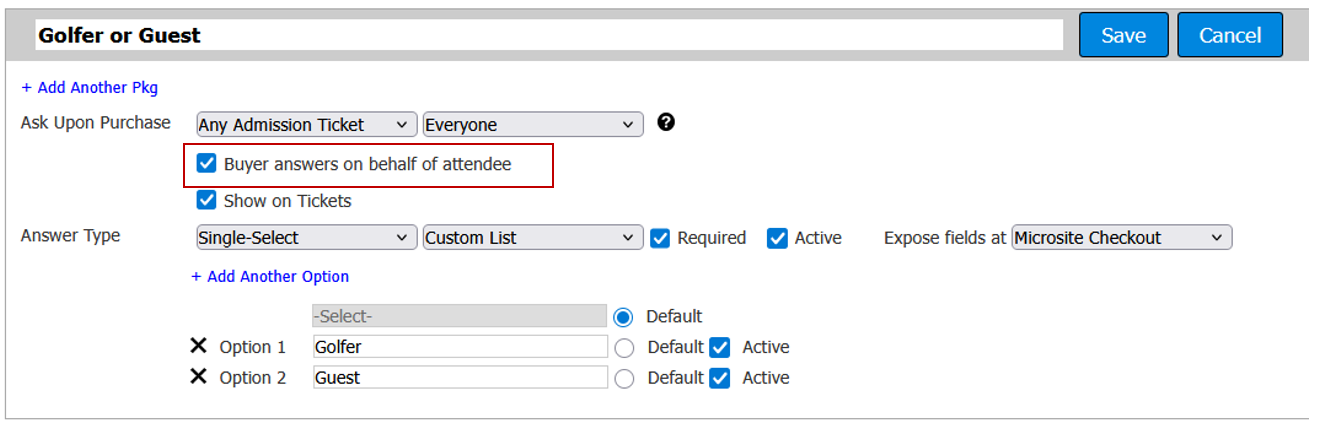
When this option is enabled, the ticket buyer will see the custom field question while assigning tickets to attendees.
Example: You're selling golf foursome packages that include 4 golfers and 4 guests, totaling 8 tickets to an evening dinner. You need to distinguish between golfers and guests in the system.
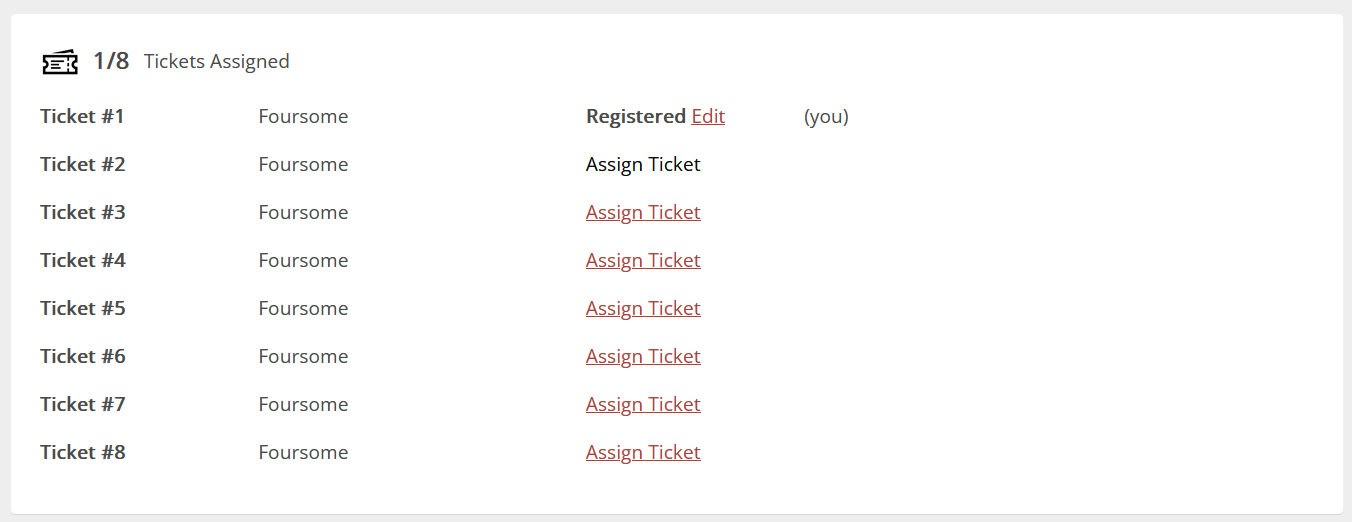
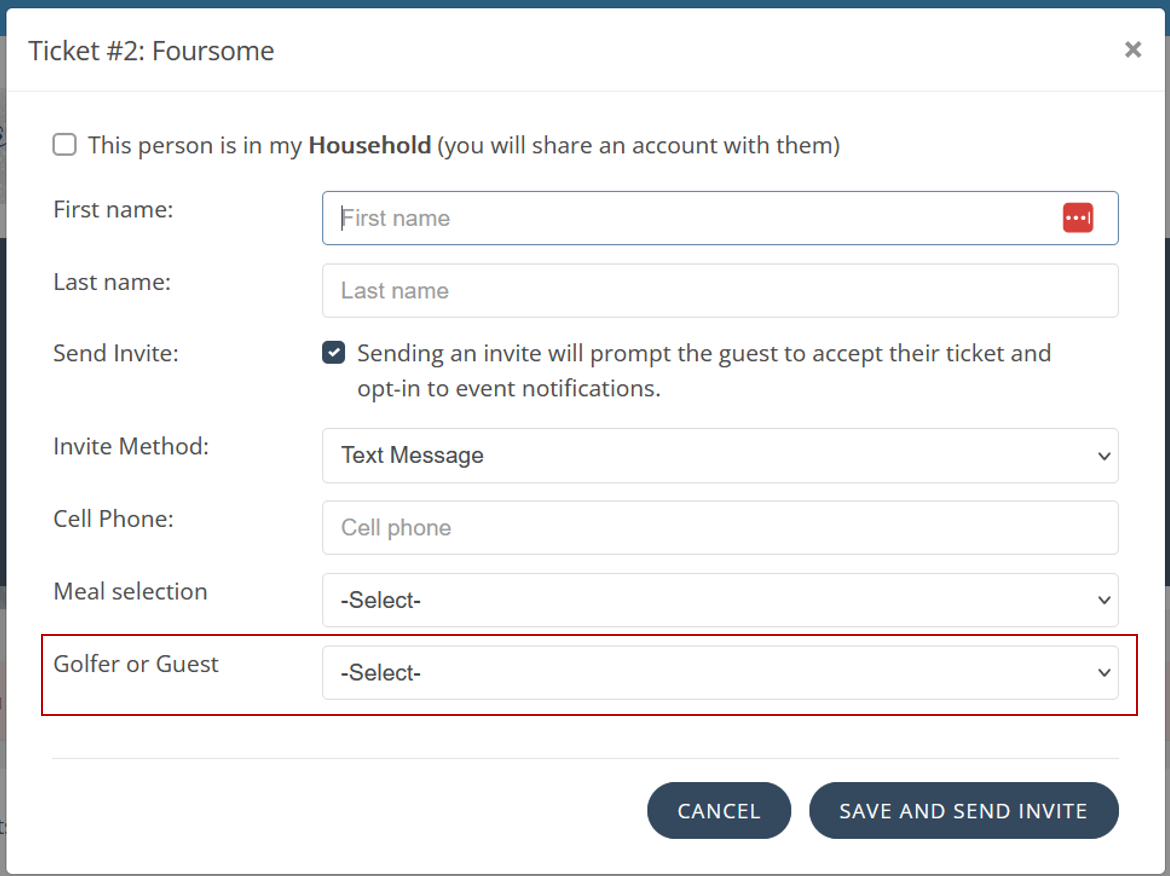
During ticket assignment, the buyer will be prompted to specify which attendees are golfers and which are guests. This ensures accurate categorization from the start.
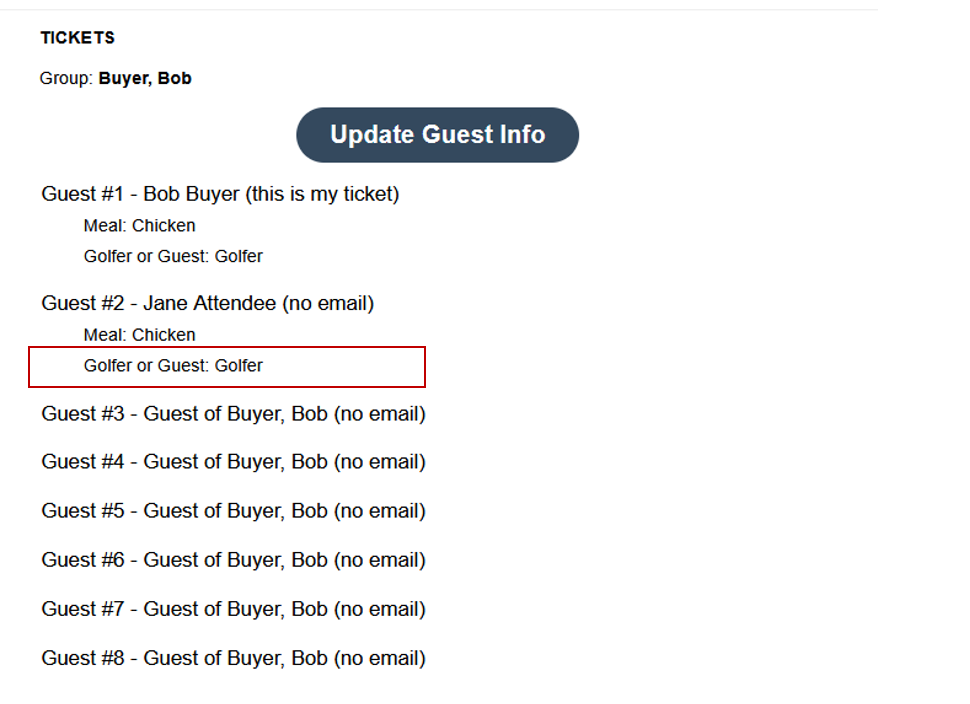
The custom field responses appear on the buyer's purchase receipt after checkout completion.
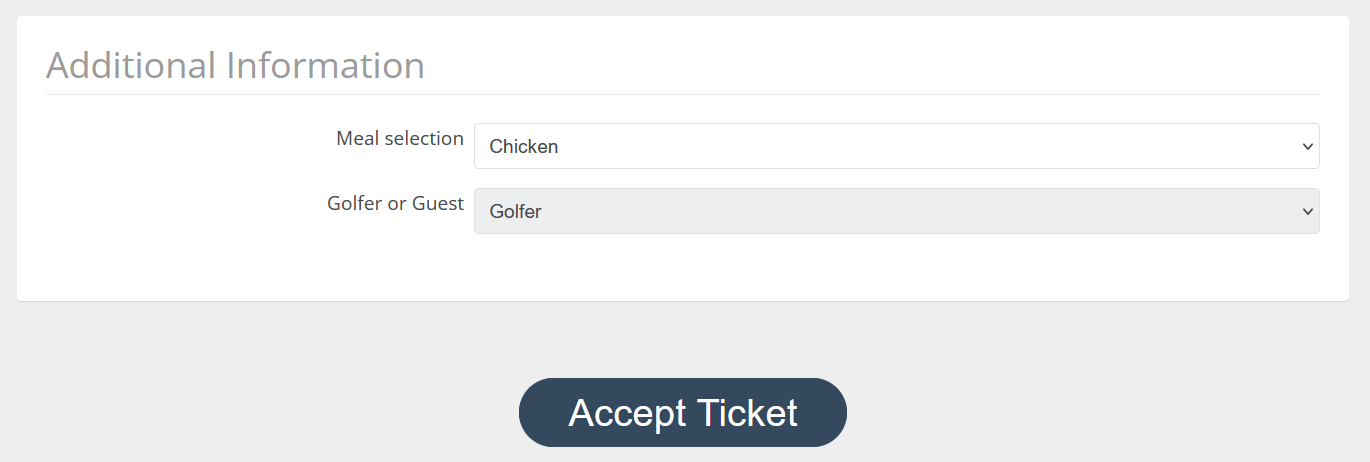
Attendees can view their assigned custom field data when accepting their ticket, but cannot modify it. This maintains transparency while ensuring the buyer retains full control over assignments.
How did we do?
Color Match a Microsite to a Logo
Customizing Microsite Page Titles & Navigation
