Allowing Hosts to Update Guest Names Later
"Allow guest info changes" determines if hosts can update guest names after purchase. Enabled by default for flexibility, it locks guest info when disabled or past cutoff.

The Allow guest info changes setting determines whether event hosts can update guest names after their initial purchase. By default, this feature is enabled to provide maximum flexibility for your event attendees.
Accessing the Setting
You can control this feature through Setup > Microsite > General Settings.
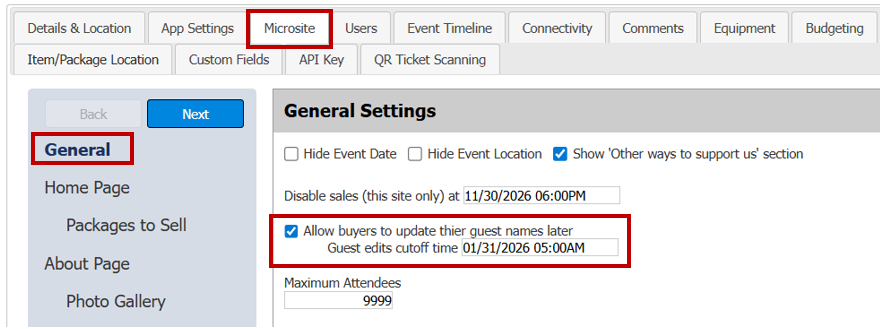
When Guest Info Changes Are Enabled
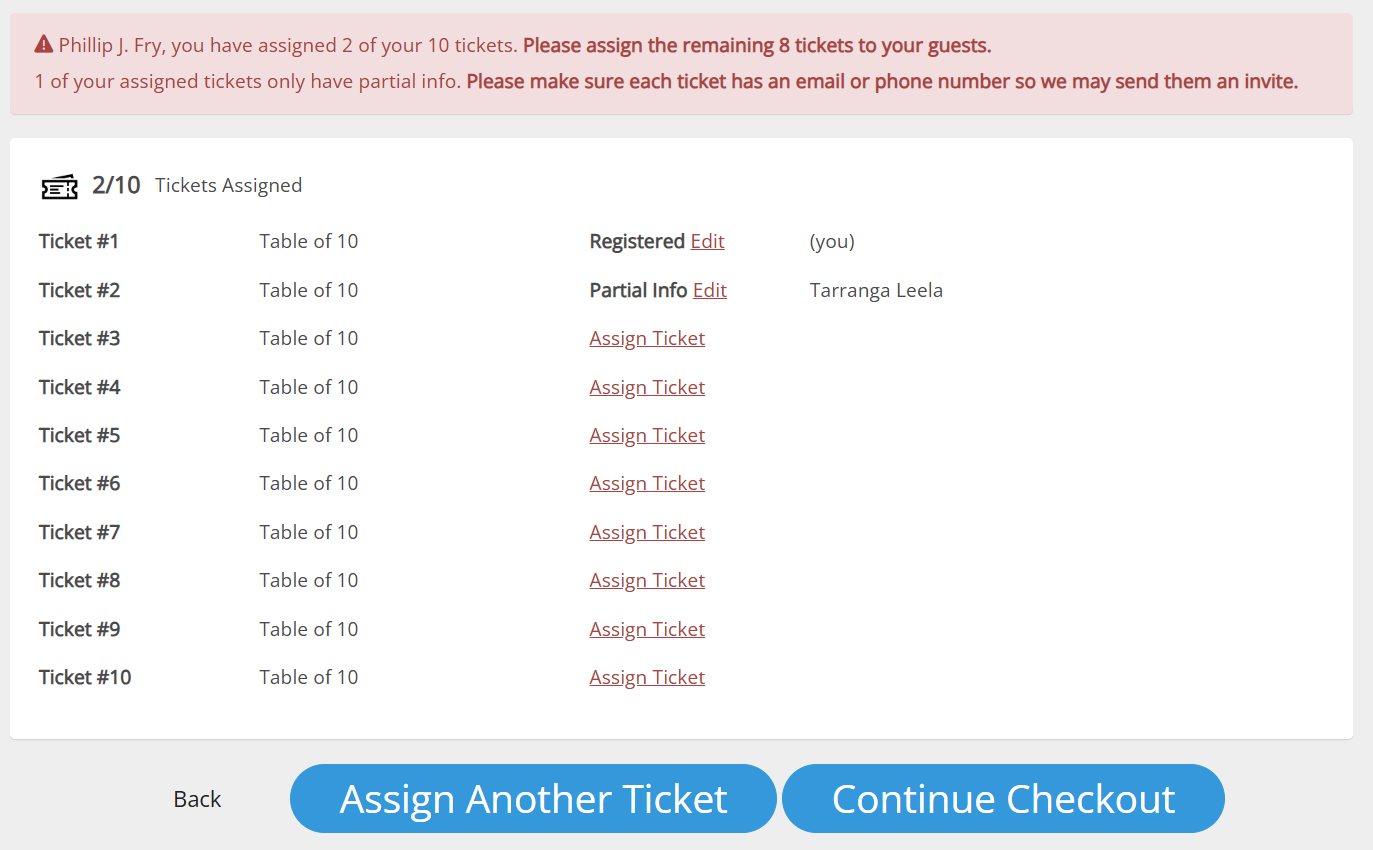
With this setting enabled, hosts can return to the app multiple times before the designated cutoff time to:
- Update guest names for their purchased tickets
- Send new ticketing invites to updated guests
When Guest Info Changes Are Disabled or Past Cutoff
If you disable this option or the cutoff time has passed, hosts will see a message indicating that guest information can no longer be modified:
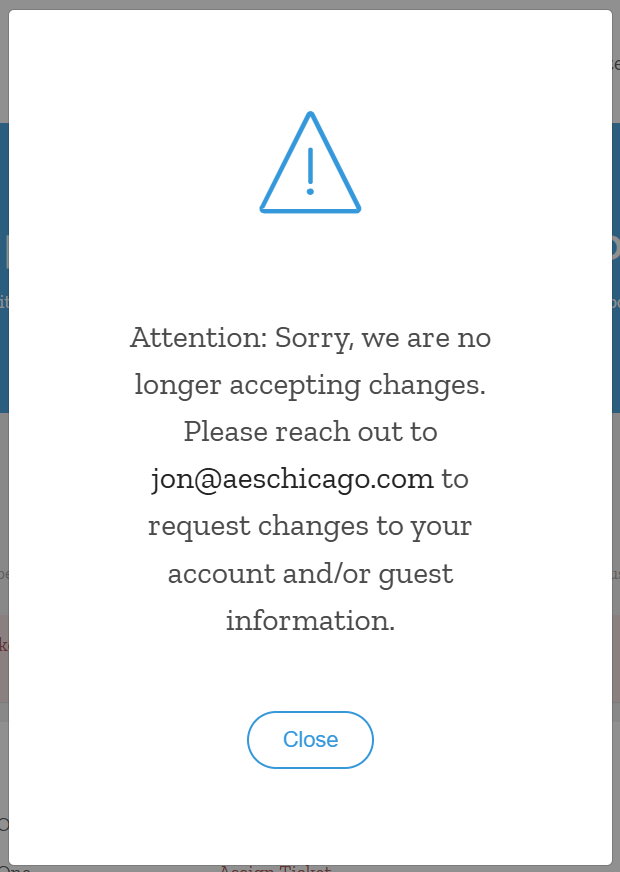
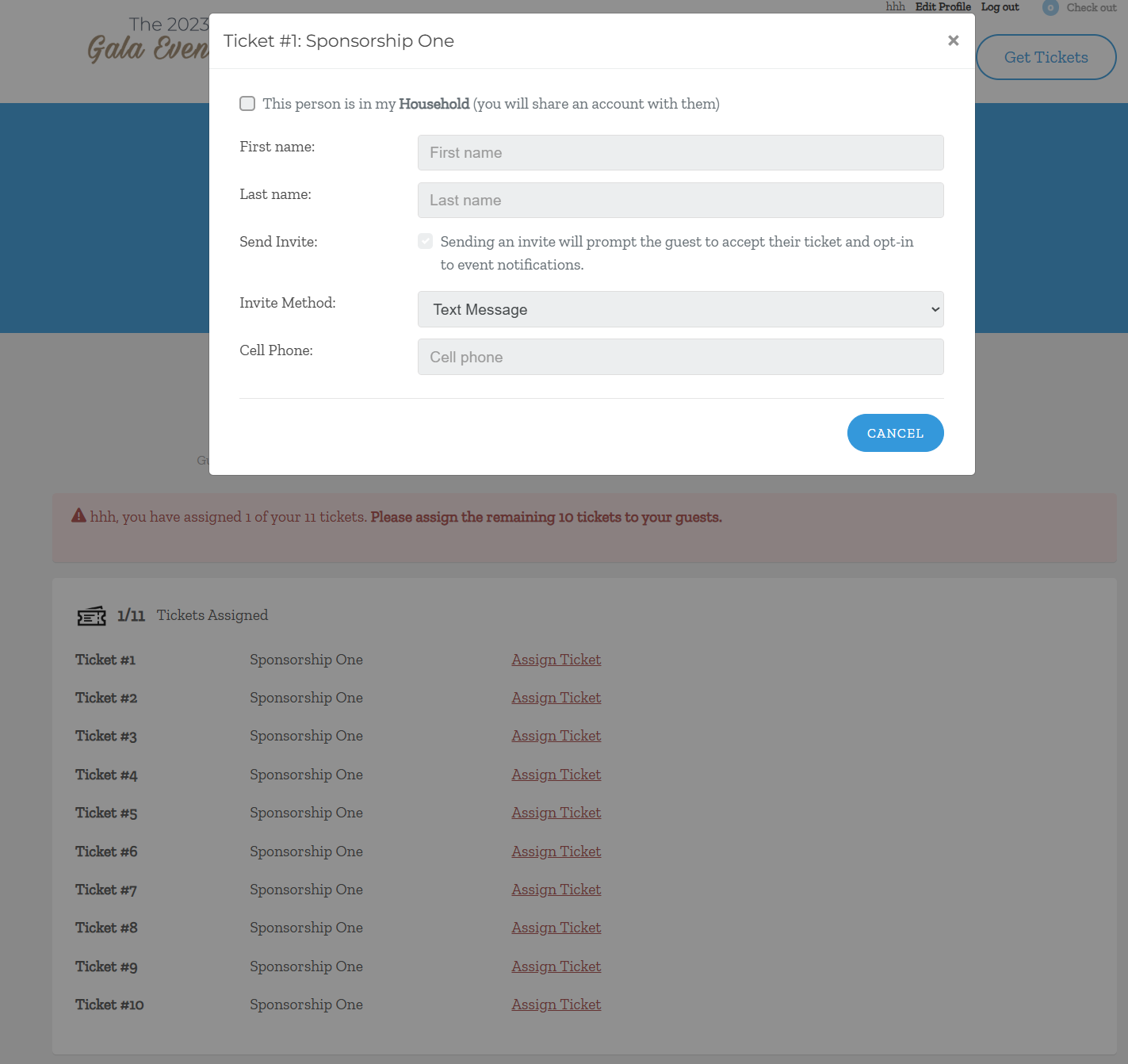
In this state, hosts can still view their assigned tickets, but the guest names become locked and cannot be changed. Additionally, no new ticket invites will be sent to guests.
How did we do?
Accept Tickets Messaging Template
Color Match a Microsite to a Logo
