Contributor Households
Version 12.0 introduced Households to replace bidder linking. Create households with 2+ members, manage billing contacts and shared credit cards, with auto-generated names.

Before version 12.0 (released March 30th, 2026), contributors shared accounts by linking bidder numbers. This allowed multiple people to share purchases, bids, and payments under one account. Version 12.0 introduced Households, which completely replaces the old bidder number method and provides a much better experience for both users and administrators.
A Household can include two or more members, such as event attendees, online-only participants, and companies.
CREATING AND EDITING HOUSEHOLDS
To create a new Household:
- Go to the Contributors grid
- Find any person who should be in the household
- Click the person icon to open the Household Management screen
If the contributor purchased tickets with others (as part of a group), you'll see a list of suggested members to easily add to the Household. You can also search for and add other contributors who aren't in the original group.
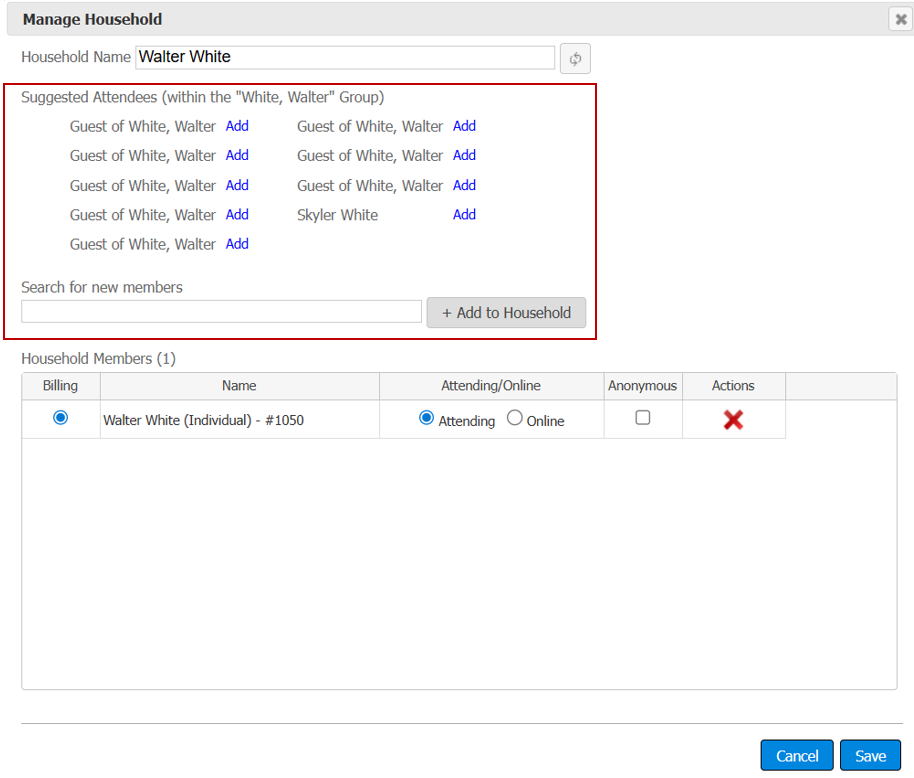
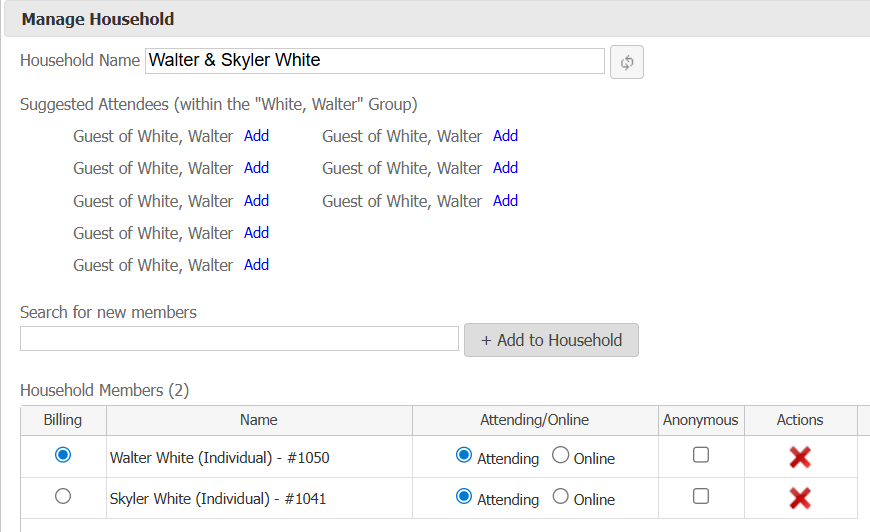
Once you add members to the household, two things happen automatically:
- The household name updates based on the members
- The first person you selected becomes the billing contact
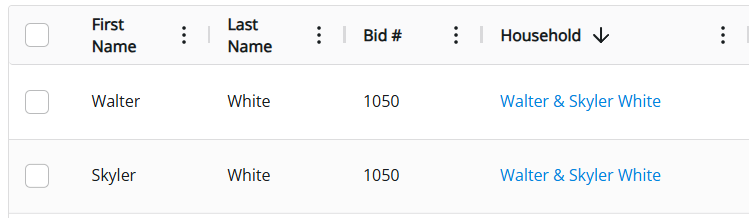
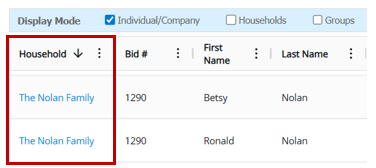
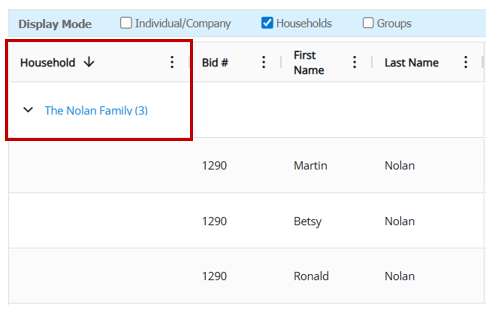
After creating the household, it appears in the household column on the contributors grid. Click the hyperlink to edit the household at any time.
BILLING CONTACT
Every Household must have one Billing Contact. This person's name appears on PDF receipts, and their credit card is used for post-event batch charges when members have unpaid balances.
CREDIT CARDS
Credit cards belong to individual contributors, but any Household member can use another member's card when making payments.
Credit card requirements (such as "credit card required to bid" or "credit card required to log in") apply to the entire Household. If one member already has a card on file, other members won't be required to add one.
HOUSEHOLD NAMES
The system automatically generates Household names based on who's included, using these formats:
- Couples with the same last name: Jim & Pam Halpert
- Couples with different last names: Peter Parker & Mary Jane Watson
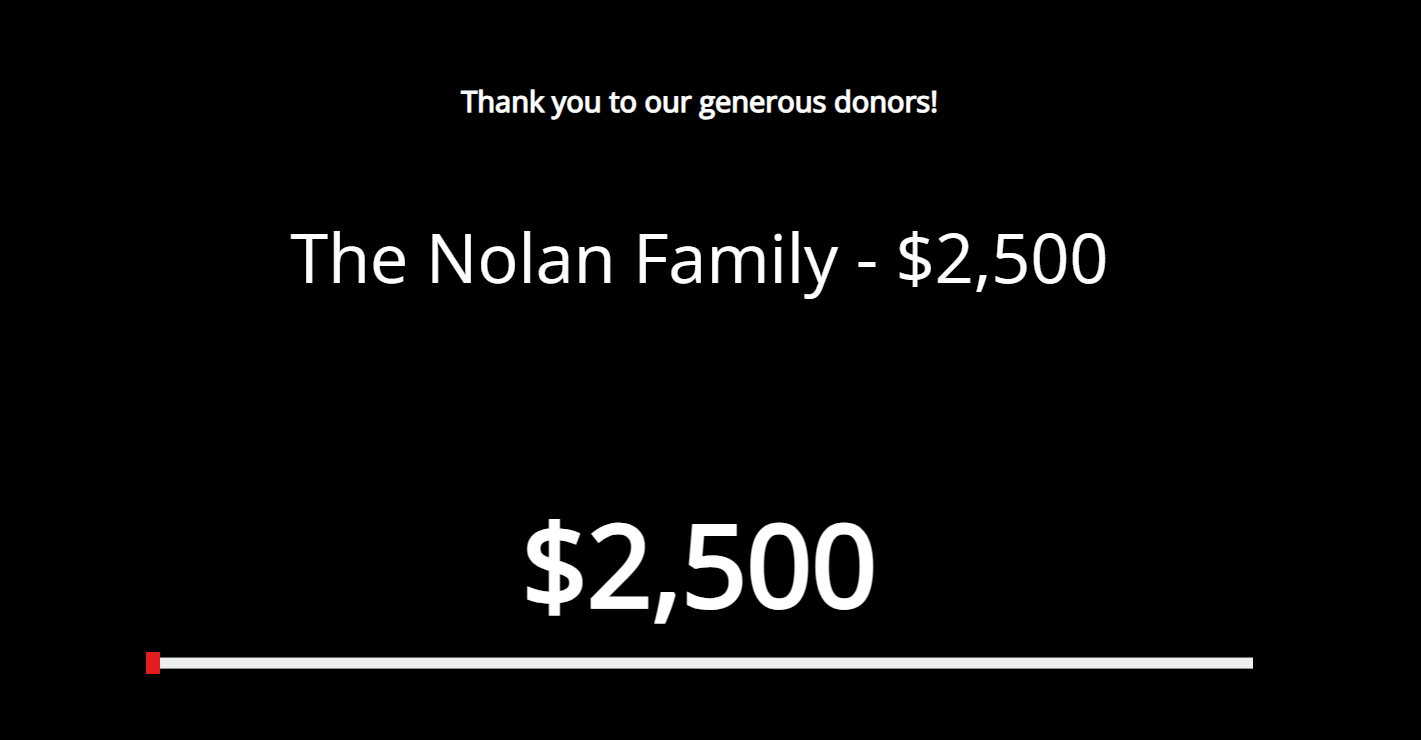
- Families with three or more people sharing a last name: The Simpson Family
- Households with unnamed guests: Bruce Wayne & Guests
While names generate automatically, administrators can manually edit them to follow any preferred naming convention.

The system will rebuild the name automatically when you:
- Click the refresh button
- Add or remove members


Where Household Names Appear
Household names display in several key locations:
- Real-time big screen reports (such as Cash Call Donations Report)
- Auction Conductor Contributors Grid
- Purchase detail reports (such as the Invoice Summary)

How did we do?
Contributor Groups
Importing Contributors
